Work with your code
Review changes, manage branches, and move between projects in the StarGit desktop client.
Get the desktop appYour code. Your infrastructure.
One place to work with repositories, connect your servers, and coordinate your team. Keep Git operations close to the code you own.
Desktop tools · Web workspace · Connected servers
YOUR INFRASTRUCTURE
Repository operations run where your repositories live.
A connected toolkit
Start with the tools you need.
Connect more as your team grows.
Review changes, manage branches, and move between projects in the StarGit desktop client.
Get the desktop appSee repository activity, follow queued operations, and organize work with boards and discussions.
Explore the workspaceRun Git operations on your own machines. StarBridge connects each server to the web workspace.
Connect a serverInside the workspace
The current web interface,
shown with demonstration data.
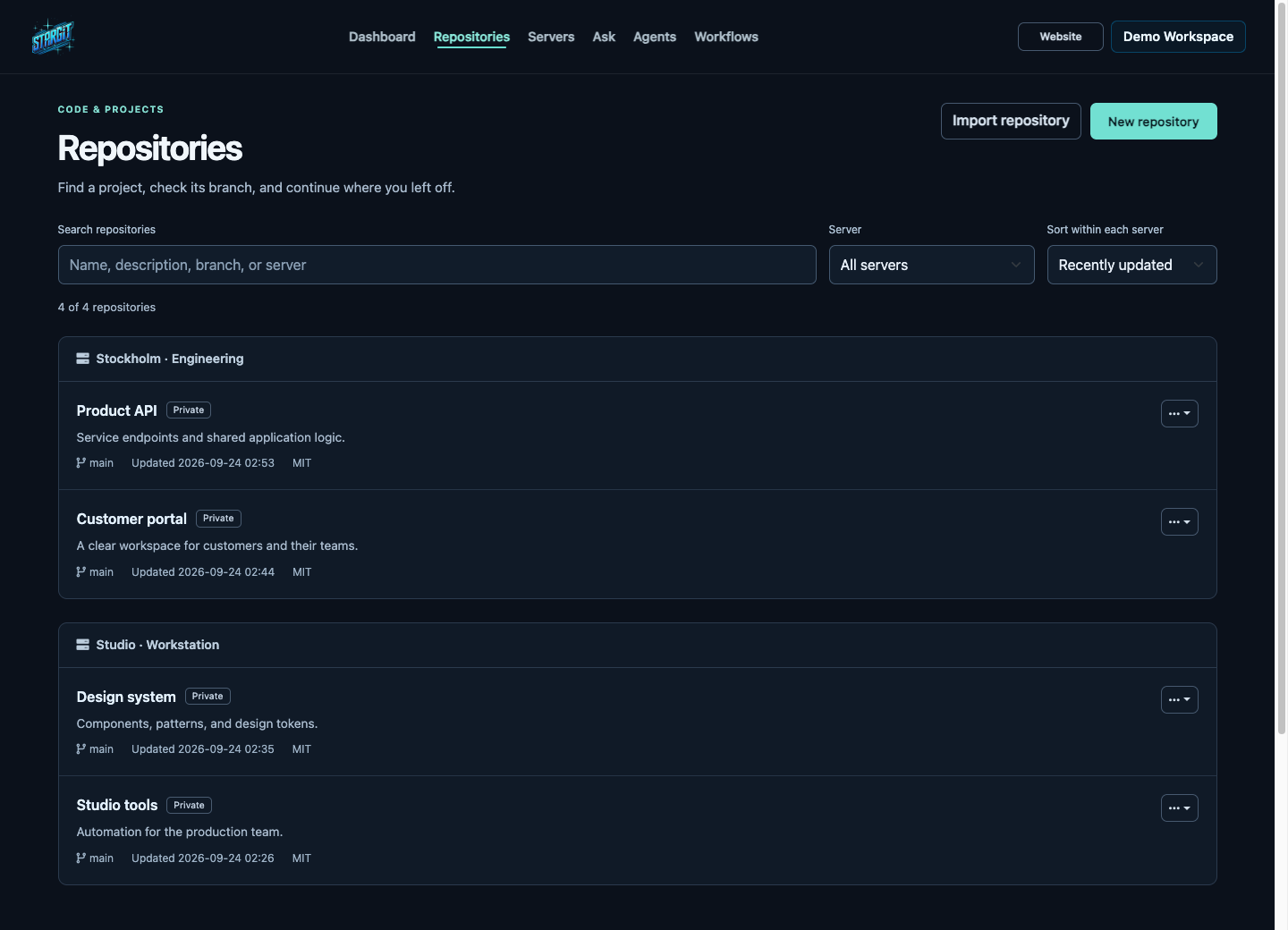
Search projects, filter by server, and open a repository with its context.
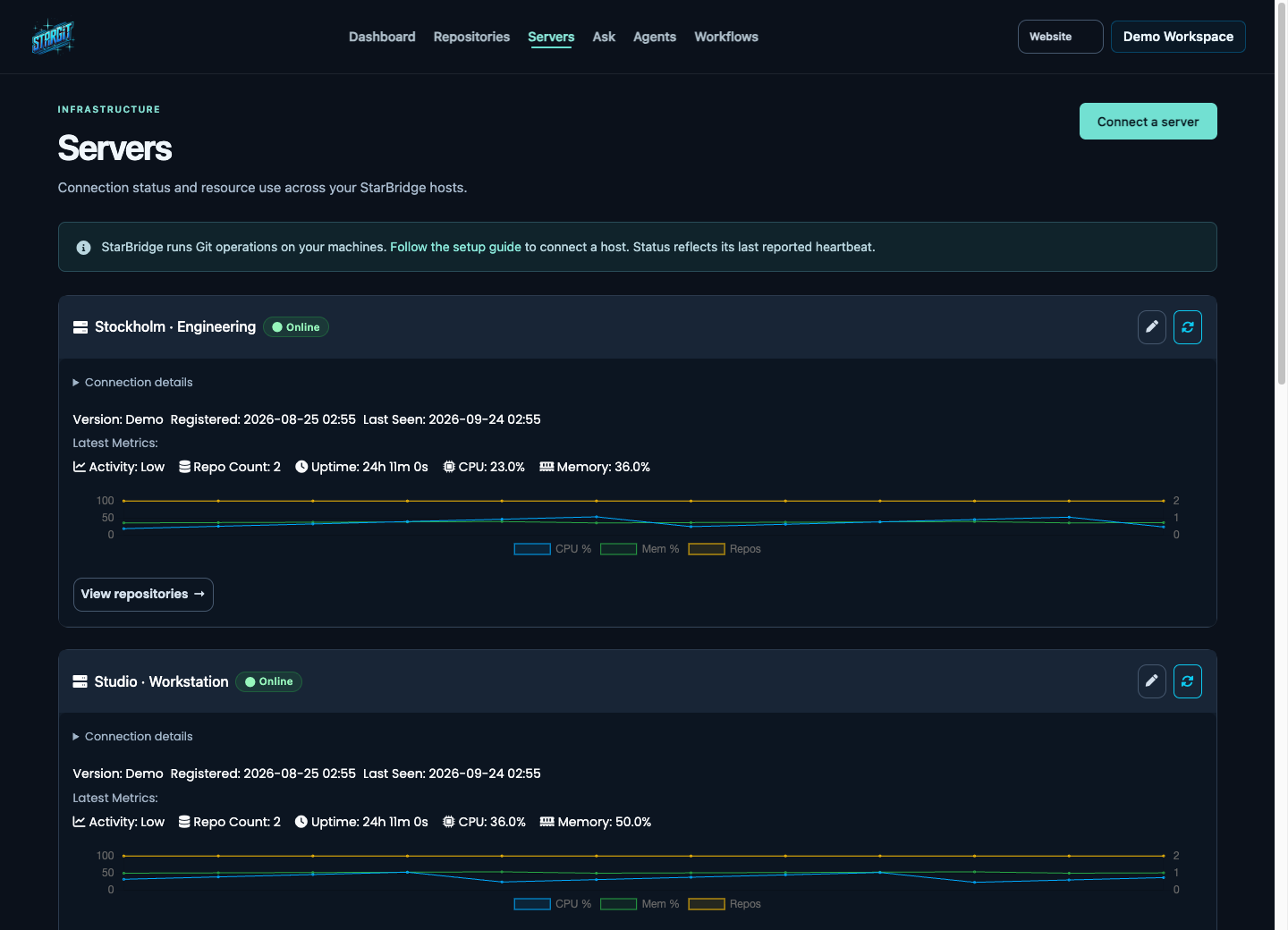
Check connections, follow resource use, and move straight to a host’s repositories.
Your next step
Choose a starting point. We’ll show you the path.
Choose your operating system, install StarGit, then follow the guided setup.
Set up StarBridge on a repository host, link your account, and verify the connection.
Understand API keys, scoped tokens, and the connection between the workspace and StarBridge.
Assistance with context
Git adapted for AI-assisted work, with infrastructure you control and activity you can follow.
Learn about AI assistanceGive assistance the context of your changes, repositories, and workflows. Provider and data handling depend on your configuration.
Keep Git operations on infrastructure you control. Choose where StarBridge runs and which repositories it connects.
Review agent runs, tool activity, and results alongside the repositories they relate to.