Compare repository state
Start by checking ahead/behind counts, remote branch targets, and working tree cleanliness before sending changes.
Learn the practical sync loop between StarGit, your repositories, and StarBridge-connected servers. This tutorial focuses on keeping repository state current, visible, and controlled across real teams.
Synchronization in StarGit is not just a blind pull or push. It is a visible workflow with state, queueing, and server-side execution through StarBridge.
Start by checking ahead/behind counts, remote branch targets, and working tree cleanliness before sending changes.
Pull, push, and related operations are routed through StarGit and executed by the linked StarBridge server.
Review sync status, latest update timestamps, and repository indicators so the result is explicit, not assumed.
StarGit provides orchestration and visibility. StarBridge performs the local Git operation on the machine that actually owns the repository.
Choose the repository and verify the correct server, branch, and remote before syncing.
StarGit enqueues the request so the workflow is auditable and visible to the user interface.
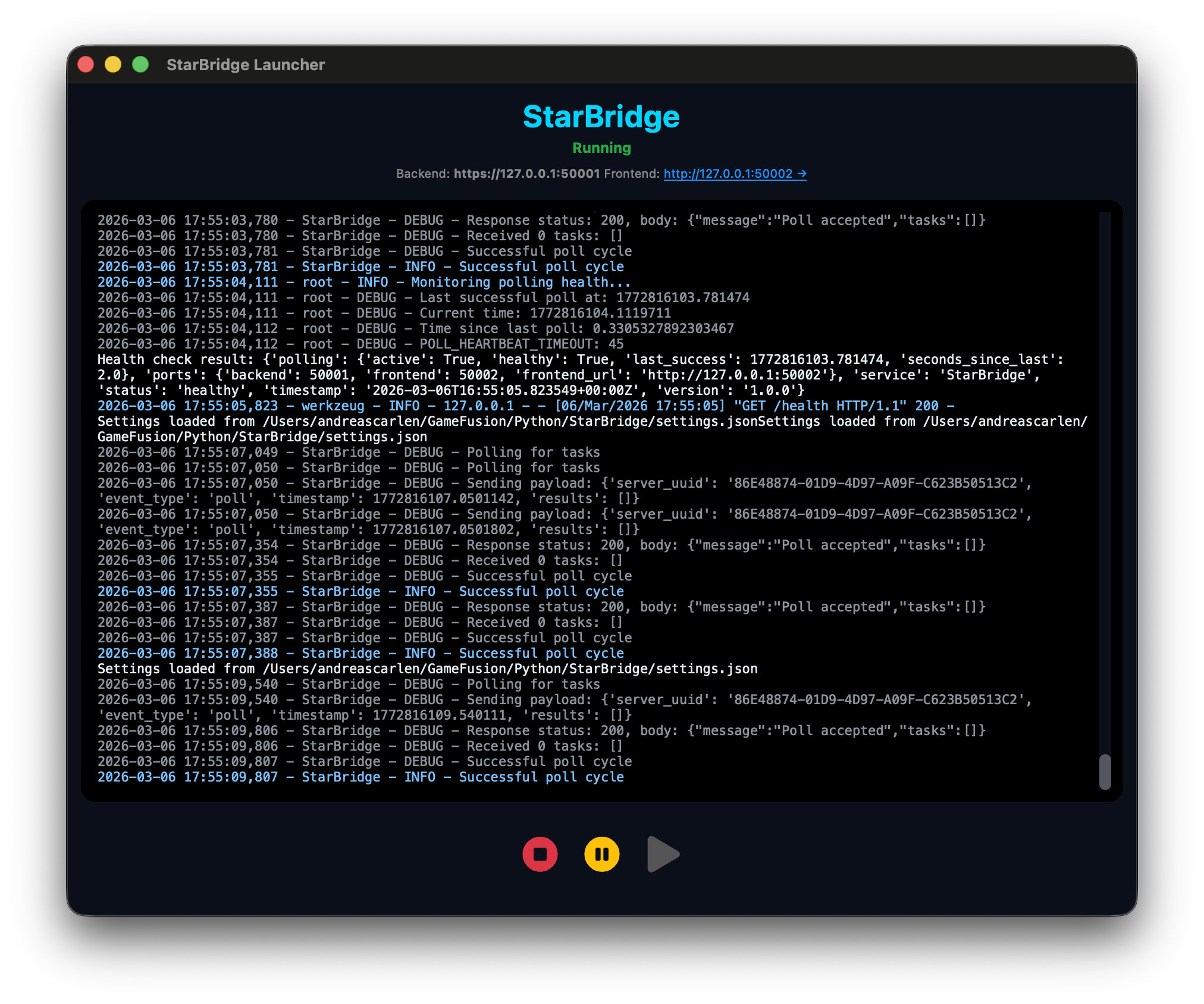
StarBridge polls for tasks, performs the Git action locally, and returns updated metadata.
These are the high-value synchronization habits that keep repositories predictable.
Pull early when collaborating on active branches. Smaller deltas reduce conflicts and make intent easier to review.
Stage intentionally, commit clearly, then push once the local branch reflects exactly what you want others to consume.
Monitor last update time, sync status, and server availability so stale repository metadata does not mislead the team.
When several machines or regions participate, synchronization needs a disciplined order of operations.
Confirm clean status, intended branch, and current remote head alignment before issuing a sync request.
Queue the request through the platform so actions are visible, attributable, and tracked in one place.
Run the Git operation on the correct server rather than through a direct browser-side Git assumption.
Refresh graph, action queue, and sync metadata so users can immediately see whether the repository is truly current.